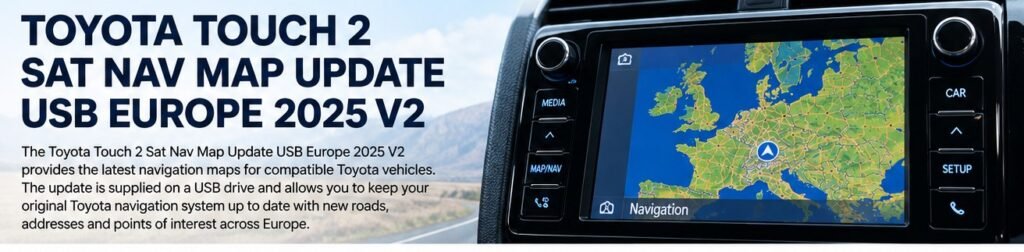
The Toyota Touch 2 Sat Nav Map Update USB Europe 2025 V2 is intended for compatible Toyota Touch 2 with Go and Touch 2 with Go Plus navigation systems. A suitable update can refresh map data while allowing you to keep the original factory multimedia unit.
Before ordering, check the exact navigation system and software version installed in your vehicle. Toyota models can be equipped with different multimedia systems, so the model name and year alone do not guarantee compatibility.
What Is Toyota Touch 2?
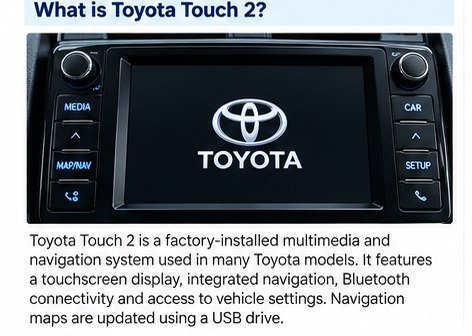
Toyota Touch 2 is a factory-installed multimedia platform. Vehicles equipped with the navigation option use a compatible navigation unit and map database for route guidance, address search and points of interest. Touch 2 multimedia without the navigation hardware does not automatically support a navigation map update.
This update is intended for compatible Toyota Touch 2 with Go and Touch 2 with Go Plus systems. Do not assume it will work with older Touch & Go systems or newer Touch 3 platforms.
Compatible Toyota Models
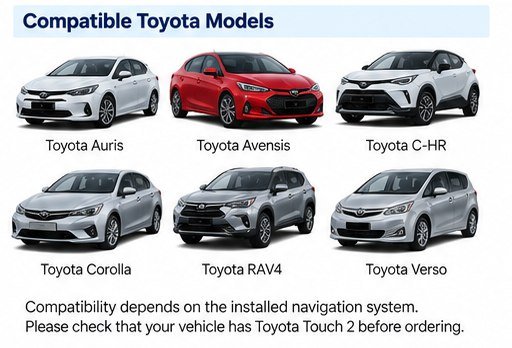
Touch 2 with Go or Go Plus navigation may be fitted to selected versions of:
- Toyota Auris
- Toyota Avensis
- Toyota C-HR
- Toyota Corolla
- Toyota Prius
- Toyota RAV4
- Toyota Verso
- Toyota Yaris
- Toyota Hilux
- Toyota Land Cruiser
Important: This is not a blanket compatibility list. Availability varies by model year, market and installed equipment. Confirm the navigation unit before ordering.
How to Check Your Current Map Version
- Switch on the multimedia system.
- Press SETUP.
- Open the general or system information menu.
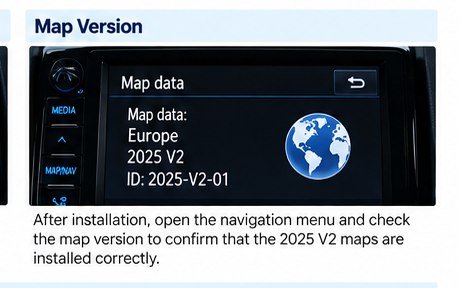
- Find the software version and map information.
- Take a clear photo of the screen and compare it with the product compatibility details.
Europe Map Coverage
The European map package is intended to refresh supported road data and points of interest across a broad region. Country coverage can vary by package and navigation region. If you regularly travel to a particular country, check the product’s exact coverage before ordering.
How to Prepare the USB Update
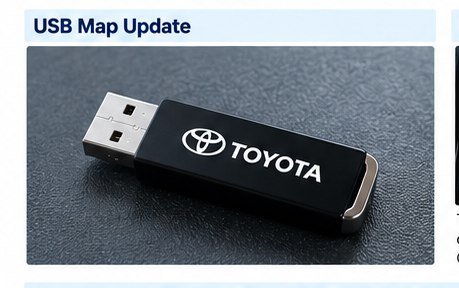
The update may be supplied as a ready-to-use USB drive or as downloadable files, depending on the product option. Follow the instructions included with your particular package.
- Use a reliable USB drive with enough capacity.
- If files are supplied for download, follow the provided formatting and copying instructions.
- Do not rename files or folders unless the instructions explicitly require it.
- Keep a record of the current software and map version.
USB capacity and formatting requirements can vary by package. Do not assume that one format is suitable for every Toyota Touch 2 system.
How to Install Toyota Touch 2 Europe 2025 V2

- Confirm compatibility. Check the installed navigation unit and software version.
- Prepare the USB drive. Follow the instructions supplied with the update.
- Start the multimedia system. Make sure it starts normally before beginning.
- Connect the USB drive. Use the appropriate USB port and follow any on-screen prompts.
- Complete the update procedure. Follow any confirmation or activation steps specified for your package.
- Wait until the process finishes. Do not remove the USB drive or interrupt an active update.
- Verify the result. Check the map information and test destination search and route guidance.
Does the Update Require Activation?
Activation requirements depend on the navigation unit and the specific update package. Check the product details and included instructions before starting. If the system asks for an activation code, do not enter random codes; confirm that the update and activation information match your unit.
Common Toyota Touch 2 Update Problems
The USB Drive Is Not Detected
Check that the drive was prepared according to the supplied instructions and that the files are stored in the expected folder structure.
The System Says No Update Is Available
The package may not match the installed navigation unit or software version. Recheck the system information before trying again.
Activation Does Not Work
Verify that the activation details belong to the supplied package and the correct navigation unit.
The Update Stops or Fails
Do not remove the USB drive during an active update. If the process fails, follow the recovery instructions supplied with the package.
Frequently Asked Questions
Is the 2025 V2 update compatible with every Toyota Touch 2?
No. The vehicle must have a compatible Touch 2 with Go or Touch 2 with Go Plus navigation unit.
Can I use it on Toyota Touch 3?
No. Touch 2 and Touch 3 are different system generations.
Can I install it myself?
Many users can follow the supplied USB instructions themselves, provided the package is compatible and any required activation information is available.
What should I check before ordering?
Check the system information screen, installed navigation unit and product compatibility details.
Conclusion
The Toyota Touch 2 Sat Nav Map Update USB Europe 2025 V2 is intended for compatible Touch 2 with Go and Touch 2 with Go Plus navigation systems. Confirm your system and software information before ordering, then follow the instructions supplied with the update package.